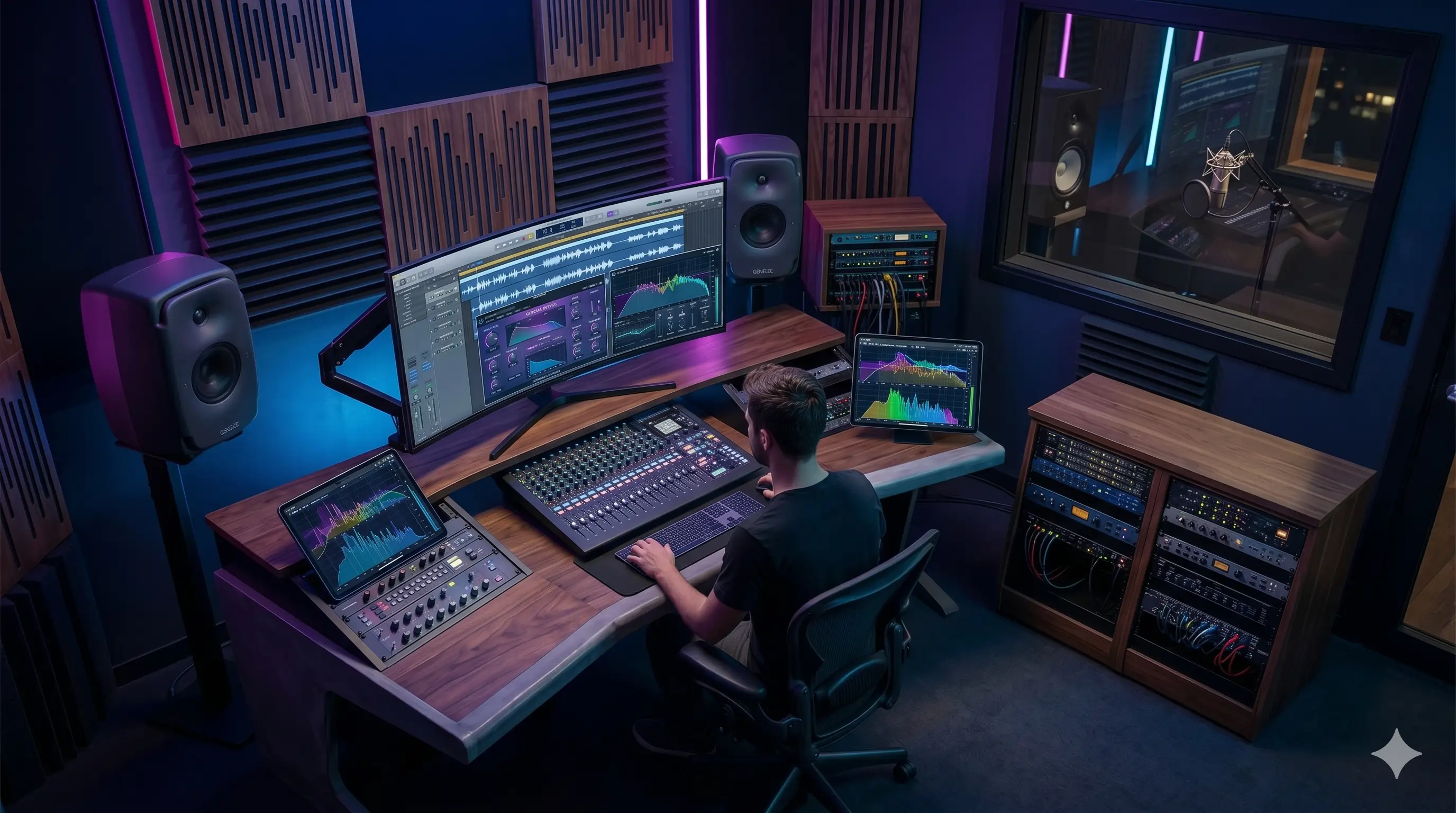
What Is Slowed Reverb?
Data engineer who loves building high-performance data and web-related tools. Creator of SlowedReverbMaker.net, implementing browser-side digital signal processing (DSP) to democratize audio editing.
Test these settings while you read
Use our free slowed reverb generator to test these settings on your own song.
1. Direct Answer: What Is Slowed Reverb?
Slowed reverb is an audio editing style where a song is slowed down and then mixed with reverb to make it sound deeper, wider, and more atmospheric. Slowing the speed usually lowers the pitch, while reverb adds the feeling of space around the vocal and instruments.
You can make this effect with the free slowed reverb generator by uploading audio, lowering the speed, adding reverb, previewing the result, and exporting the edit as MP3 or WAV.
2. Why Slowed Reverb Sounds Emotional
Slowing a song stretches timing and lowers vocal pitch, which makes lyrics feel heavier and more intimate. Reverb adds a sense of distance, like the song is playing in a large empty room. Together, the effect can feel nostalgic, cinematic, or late-night.
This is why slowed reverb is popular for TikTok edits, YouTube loops, sad song edits, study playlists, and aesthetic videos. It changes the mood of the original song without requiring a full remix.
3. Basic Slowed Reverb Settings
A clean slowed reverb edit usually uses moderate settings. Too much slowdown makes lyrics hard to understand, and too much reverb can blur the mix.
- Speed: 0.80x to 0.88x for most songs.
- Reverb wet mix: 30% to 45% for clear vocals.
- Decay: 2.0s to 4.0s for a smooth tail.
- Pitch: 0 to +2 semitones if the vocal becomes too dark.
- Bass: +2 dB to +4 dB if the slowed version feels thin.
4. Slowed Reverb vs Simple Slowdown
A simple slowdown only changes the playback speed. Slowed reverb goes further by adding space and mood. The reverb tail is what makes the edit feel dreamy instead of simply slower.
If you only need to practice music or transcribe speech, an audio speed changer is enough. If you want the aesthetic music edit style, use speed plus reverb together.
5. Make a Slowed Reverb Edit Online
Open the slowed reverb maker, upload a song, set speed around 0.85x, add 35% to 40% reverb, preview the loudest section, and export as MP3 or WAV. For exact settings, read Best Slowed Reverb Settings.